How 3D and AI are changing learning
2 min read
For years, learning in front of a screen meant watching: a video that keeps playing, or a chat that pours out a long paragraph of text. AI and 3D change this at the root - the screen stops being something you look at, and becomes a place where you learn. No longer a screen that talks at you - but a tutor who talks with you.
From watching to taking part
A video doesn’t hear your question, and a chat answers only what you asked. A good tutor does something else: explains one step, asks you what the next step is, waits for the answer - and only then moves on. On Avatutor, AI is what lets the tutor listen and respond, and 3D is what turns it into a lesson: you don’t watch the explanation - you are inside it.
A board that builds before your eyes
A book shows a frozen picture. Here the tutor writes on a smart board while talking - formula after formula, step after step. A function becomes a graph, data a table, and what is hard to picture in the real world becomes a 3D graph you can rotate by hand. When needed, the tutor also generates an illustration that shows exactly your idea - and puts it on the board.
A tutor who looks at you
It is easier to listen to someone than to a text. The Avatutor tutor stands in front of you in a 3D classroom: looks at you while talking, turns to the board when writing, and moves their lips to the words. They have facial expressions, hand gestures and a voice of their own - and in some lessons the classroom joins the explanation too, from the lighting to what you see out the window.
Your pace, your questions
In a full classroom it is hard to stop the lesson for one question. Here the pace is yours: press the stop button, and the tutor stops at once and listens. Ask out loud or in writing, ask for another explanation - a different way, with a different example - as many times as it takes. No embarrassment, and no waiting for the next lesson.
A tutor who remembers you
AI doesn’t only answer - it also remembers. The tutor keeps what matters - goals, where you are strong and where you struggle - and adapts the explanation to your pace and level. And every lesson is saved in a living notebook, with the board: come back to it, ask about it and continue from it exactly where you stopped.
This is how it looks in the app
Short demos from the app itself - Noam, our sample student, learns with the teacher. Recorded in Hebrew.
The twin who came back younger
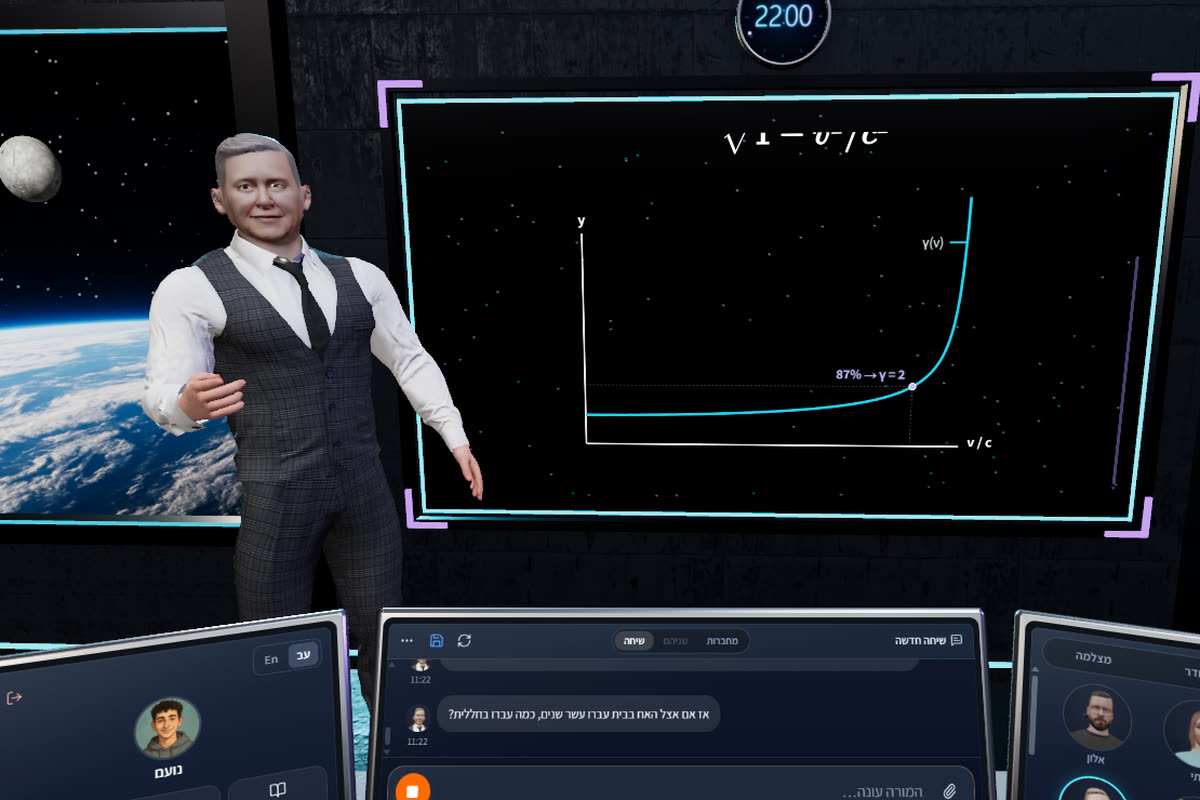
2:00Time travel? Berthold, in the space classroom: Einstein's twin paradox, the gamma curve shooting up near the speed of light - Noam works out his brother comes back five years younger - and the GPS in your phone that corrects for it every day.
The map of trigonometry
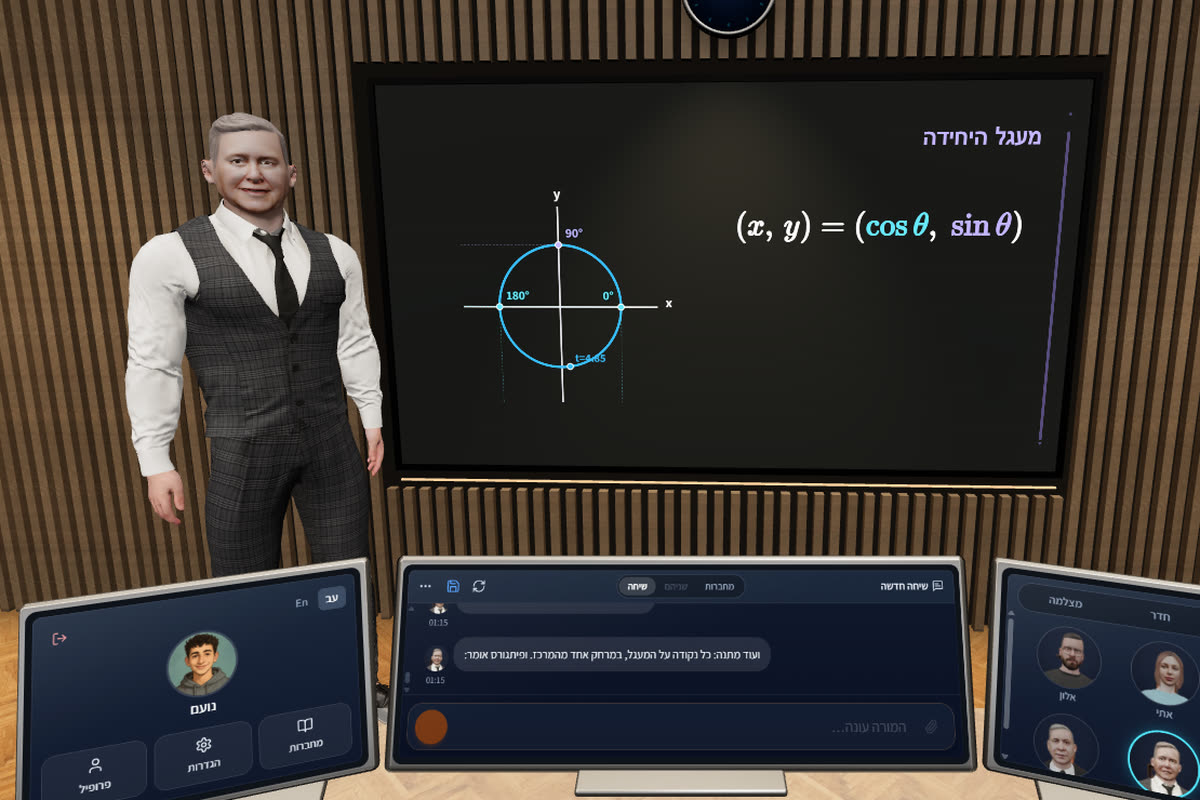
1:30Berthold, in the lecture hall: a point travels the unit circle - cosine is how far right, sine how far up - and Noam reads sin 90 off the drawing.
A jump on the Moon
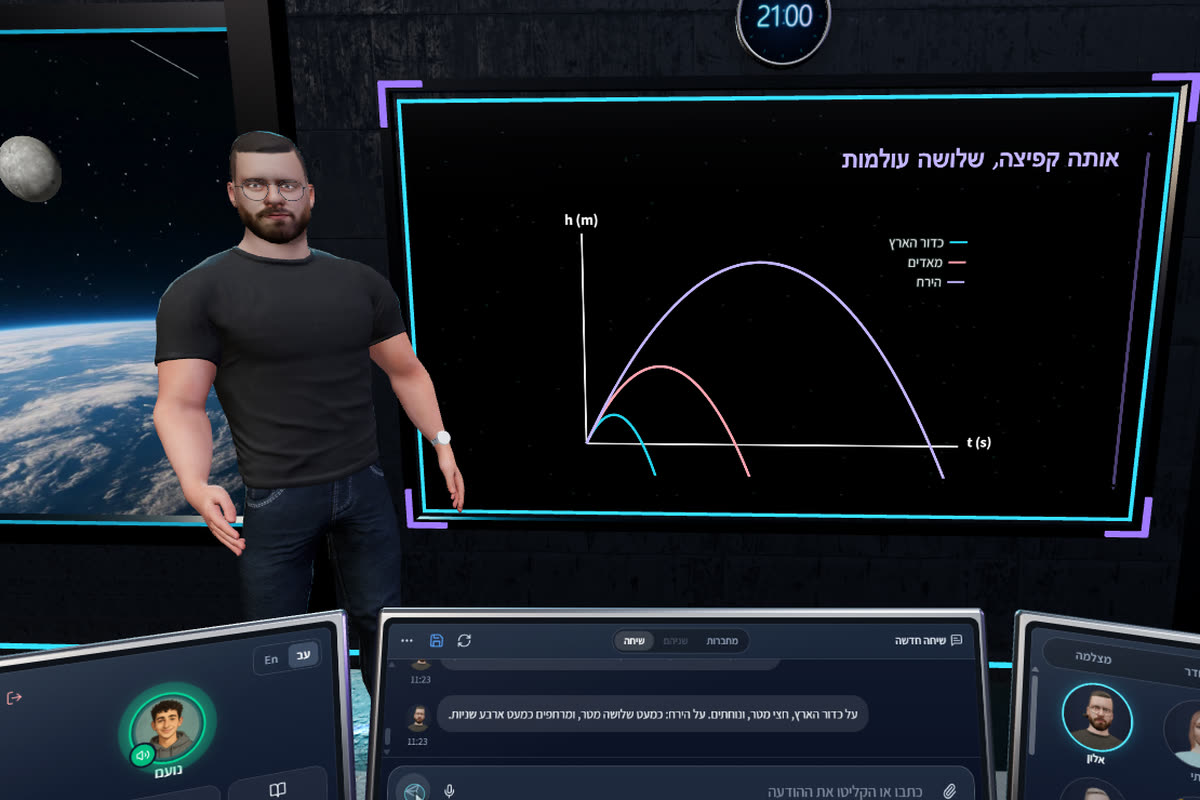
1:50Alon, in the space classroom: how much Noam would weigh on Mars - he works it out himself - and the same jump on Earth, Mars and the Moon: three parabolas, and on the Moon he floats for almost four seconds.
Frequently asked questions
How is it different from learning from a video?
A video runs forward and doesn’t hear you. Here you stop at any moment and ask - and the tutor answers, explains again a different way and adapts the pace to you.
What does 3D add, if there is already AI?
AI alone gives an answer. 3D turns it into a lesson: a tutor with a face and a voice who looks at you, a board building behind them and a classroom around them - so it is easier to listen and stay to the end.
Do I need VR glasses?
No. It all runs in the browser, on your regular screen - best on a computer with Chrome or Edge. No need to install anything.
Which subjects can I learn this way?
Math, English, sciences and more - from one point that isn’t clear to a whole year’s material.